Quickstart
This part of documentation will give an introduction to Djask. We assume that you have used Flask for a period of time before.
Installation
Like any other Python packages, Djask can be installed through pip:
$ pip3 install djask
> pip install djask
A minimal app
"""
This app.py is just a simple demo. Do not write code like this in production.
"""
from djask import Djask
from djask.admin import Admin
from djask.auth.models import User

app = Djask(__name__)
admin_ext = Admin()  # initialize the admin site
admin_ext.init_app(app)
db = app.db


@app.before_first_request
def init_db():
    db.create_all()
    admin = User(username="test", is_admin=True)
    admin.set_password("password")
    db.session.add(admin)
    db.session.commit()
Like what you do in Flask, you initialize an app with something like app = Djask("your-app").
The flask.admin.Admin acts as an extension to your app to make this feature pluggable.
So you can just initialize the Admin feature like any other extension:
admin_bp = Admin()
admin_bp.init_app(app)
Since SQL support is one of the new functions that Djask added on the top of Flask.
We registered Djask.db directly onto Djask, enabling you to write codes like this:
from djask import current_app
# suppose that ``app`` has been declared
@app.route("/")
def index():
    print(current_app.db)
    return "Hello World"
It’s NOT recommended to initialize your database by using app.before_first_request and you should NEVER take this approach in production.
However, I used it here to quickly get you through.
The admin interface
After a quick walk-through, we are going to check out the admin interface.
The default admin interface has a url prefix /admin. You are able to change
by setting app.config["ADMIN_PREFIX"].
Note that we are still using the same application as the previous section.
Make sure you have set up your environment. Then let’s run the app:
$ djask run
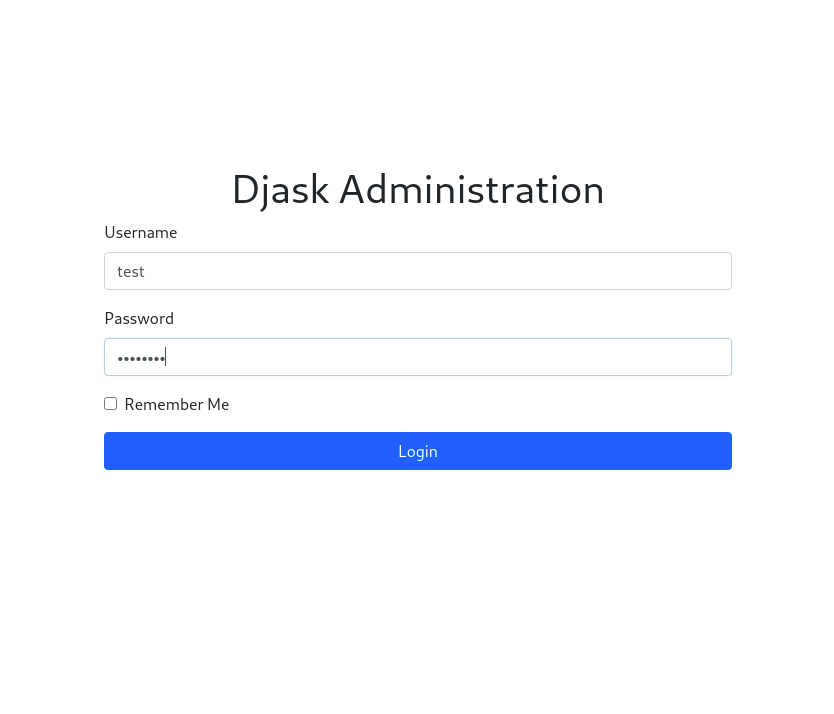
Head over to localhost:5000/admin/login.
Log in the admin interface with test as username and password as password:
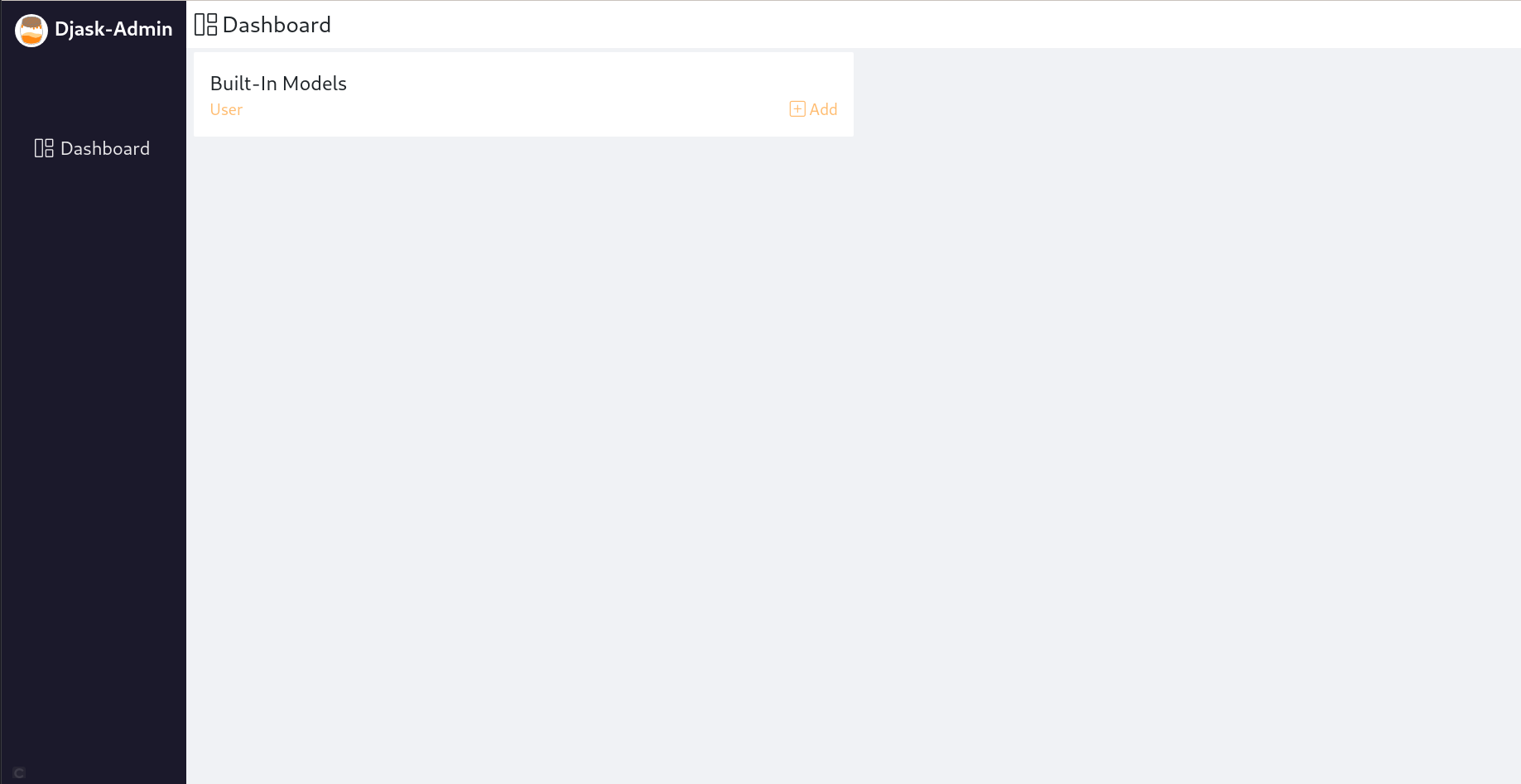
Then the dashboard is here for you:
Viewing a model
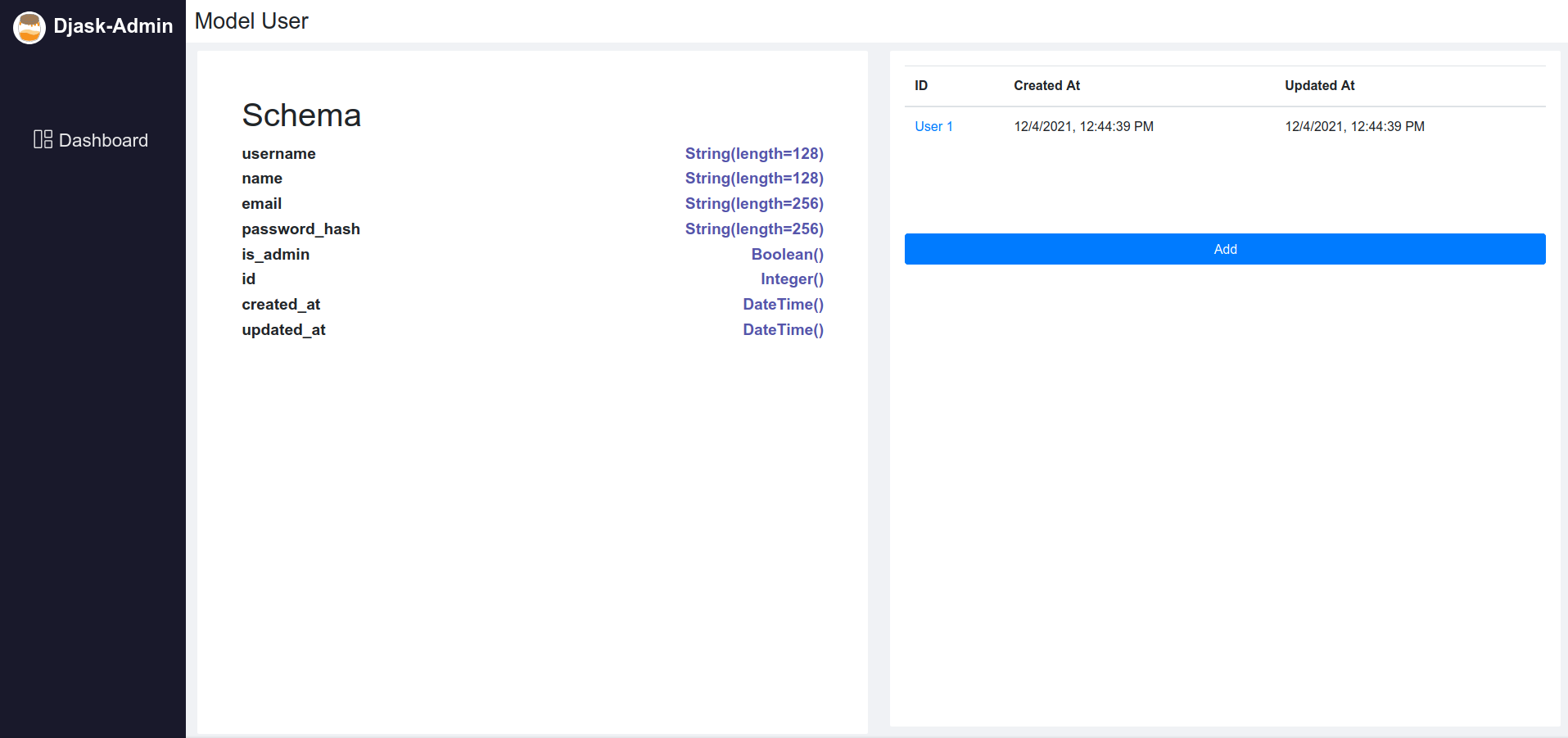
The admin interface of Djask enables you to view a model schema. To check out this functionality, just click on
the model, or get to /admin/<your-model-name>.
For example:
Editing a model
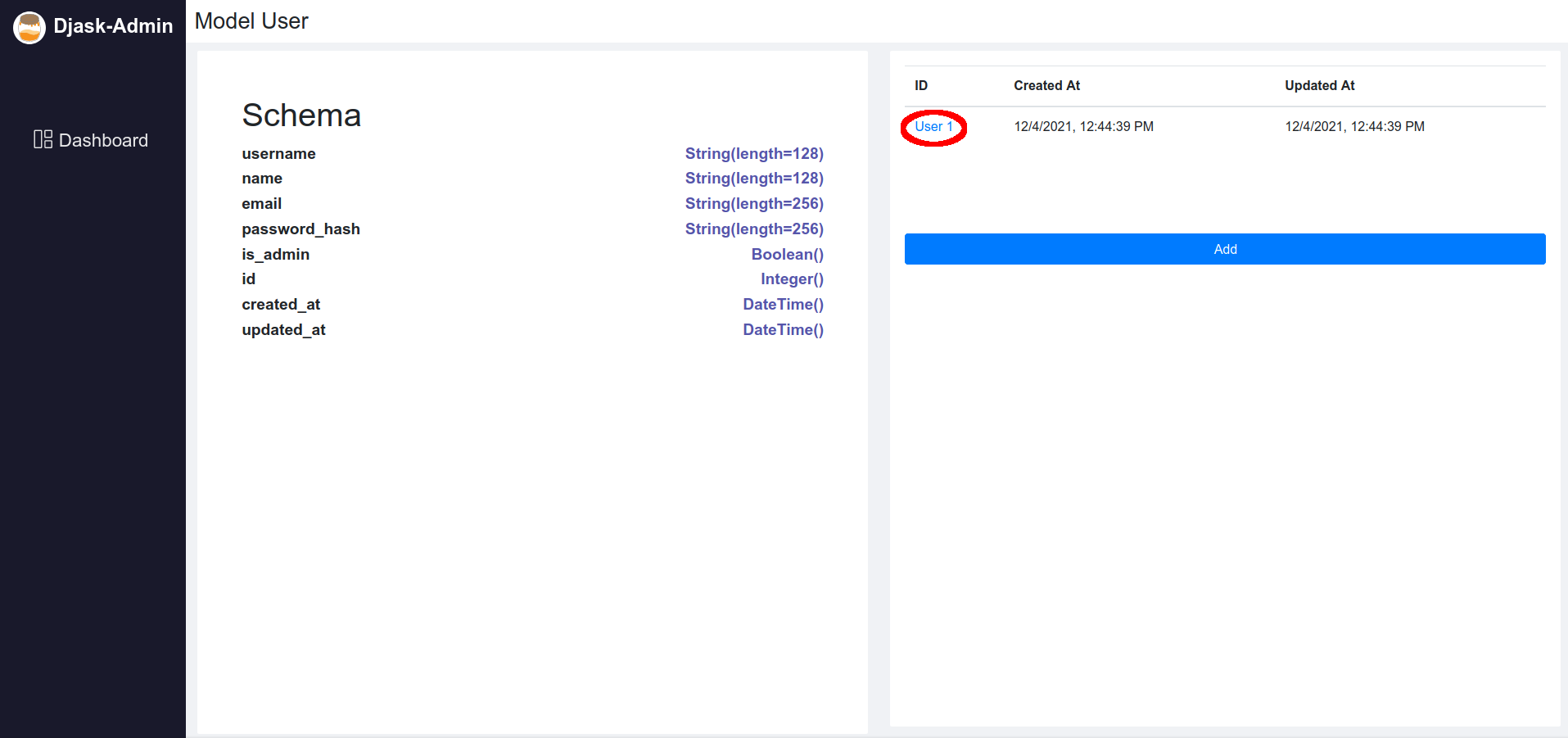
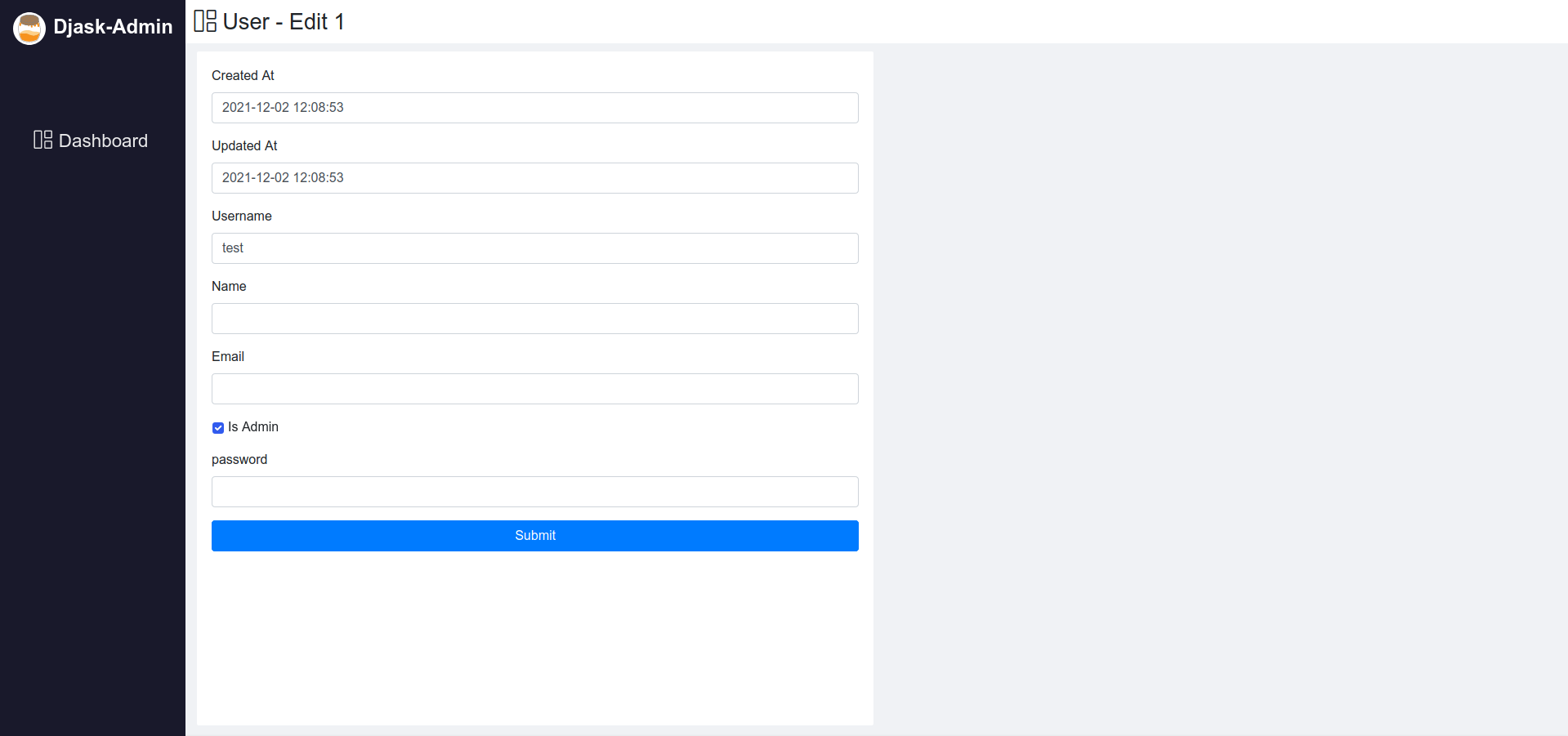
With just a simple click on the <model-name> <model-id> button (as shown below), you can edit the model in the UI.
Adding a model
To add an instance of a model, click on either the + button on the dashboard page or the Add button on the model page (/admin/<your-model-name>).
Explore models
Wanna explore what Djask can do with your SQLAlchemy models? See :doc:’models_and_web_api’.